

Your day, in one place.
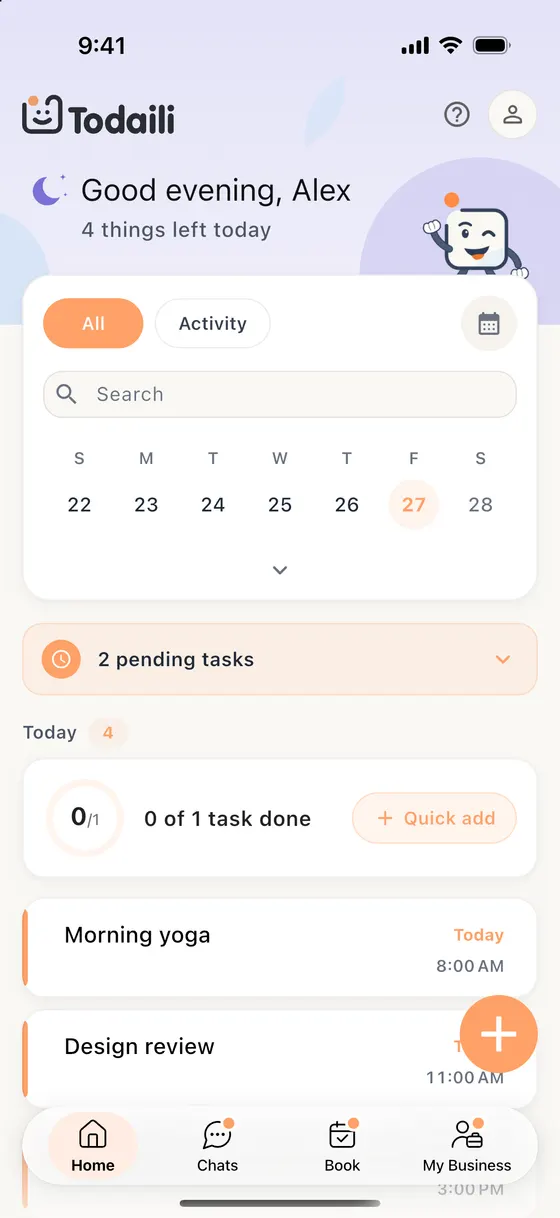
Events and tasks in one list, and a calendar that keeps up with you.

Events and tasks in one list
Today, tomorrow and beyond, side by side. Nothing to switch between.
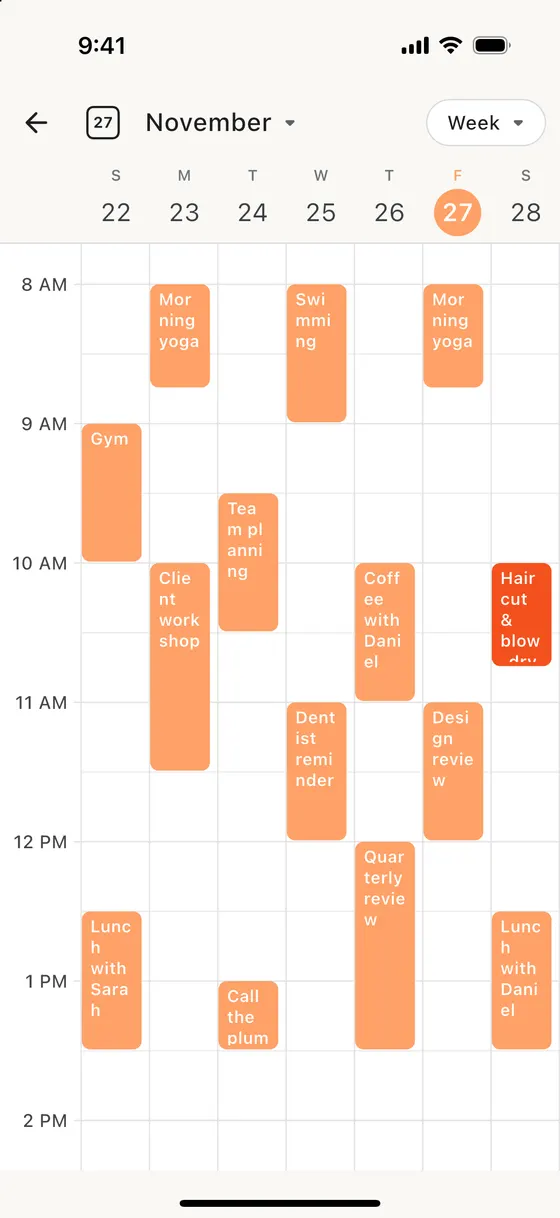
Day, week and month
Tap an empty time to place an event, then drag it wherever it needs to go.
Repeats, reminders and done
Set an event to repeat, get a reminder before it, and tick tasks off when they're done.
Your own colours
Give any event a colour that means something to you. Only you see it.
Duplicate in a tap
Copy any event or task from its menu, then change what's different.
How it works
Get the app
Download Todaili and sign in with your phone number.
Add your first event
Tap + and give it a name and a time.
Get on with your day
Todaili reminds you before it starts.
Questions
What's the difference between an event and a task?
An event has a time on the calendar. A task is something to get done; you can give it a day and tick it off when it's done.
How do I move an event?
In day or week view, press and hold the event, drag it to the new time and let go.
Can other people see my colours?
No. The colour you give an event is yours alone, even on a shared calendar.
Can an event repeat?
Yes. Choose how often it repeats when you create it, and change one occurrence or all of them later.
More of Todaili
Get Todaili
Free to download for iPhone and Android.
